Drawing revision comparison
Compare PDF drawings and make revision changes easier to inspect.
Bring drawing versions into one desktop review workflow, inspect their differences, and mark the areas that need a decision, RFI, or handoff note.
Use comparison as the start of a review—not a substitute for checking sheet identity, scale, alignment, and the issued revision record.
01 / WHY
A detected change still needs project context.
A comparison can show that pixels differ, but the reviewer decides whether the change affects scope, constructability, pricing, or coordination. PolyPDF pairs visual comparison with markup tools so the next action can be recorded on the drawing.
02 / WORKFLOW
From source PDF to a result you can review.
- 01
Confirm the two source sheets
Check sheet number, revision, page size, orientation, and scale before treating visual differences as design changes.
- 02
Run the drawing comparison
Use the current and prior PDFs to surface regions that differ and focus the review on likely revision areas.
- 03
Inspect each meaningful change
Distinguish actual design revisions from title-block updates, raster noise, shifted scans, or alignment differences.
- 04
Mark the required response
Add a revision cloud, callout, note, or stamp where the team needs clarification, pricing, coordination, or acknowledgement.
03 / WATCH
Watch drawing comparison turn into a marked review.
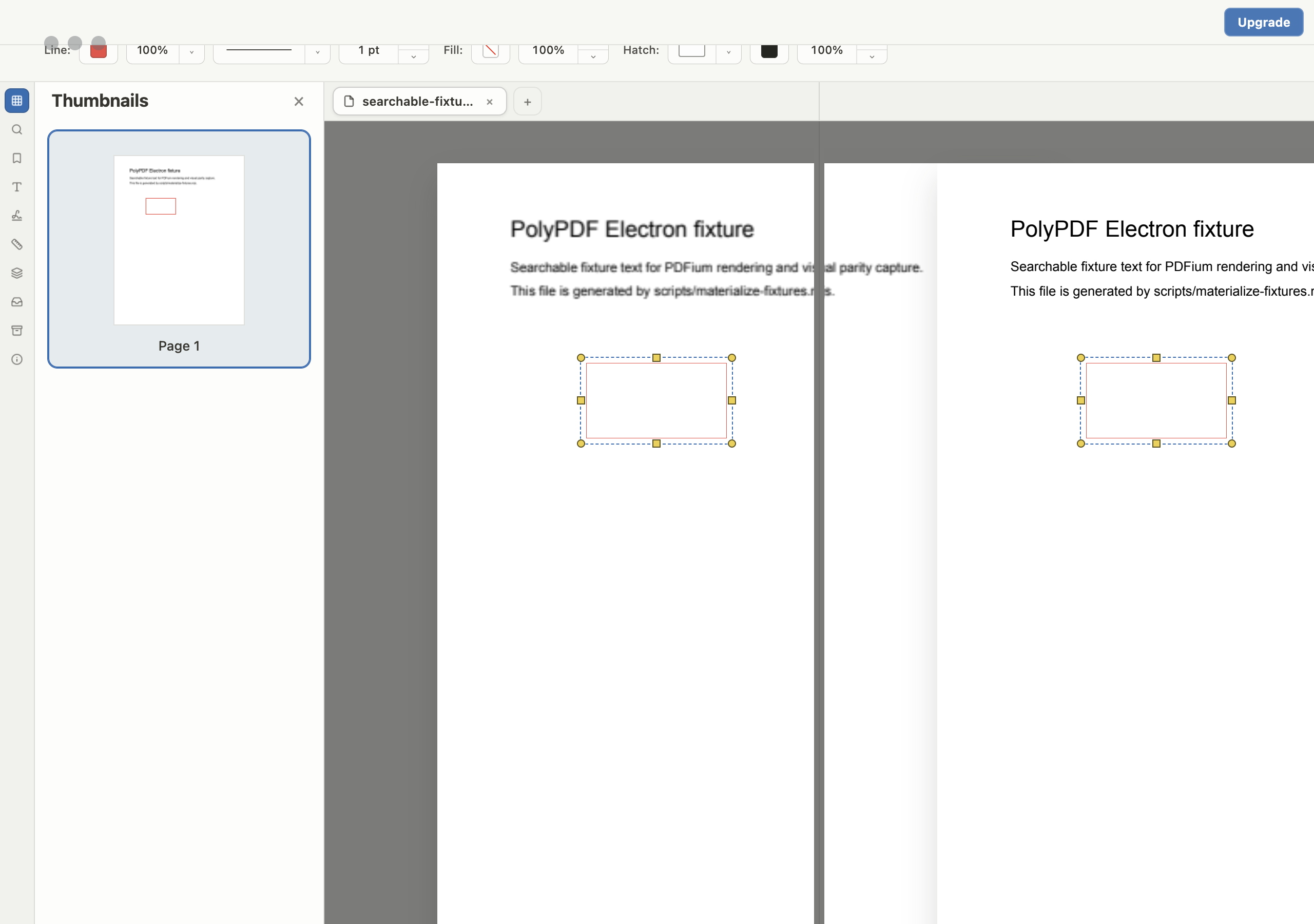
See revision differences inspected and carried into a cloud-and-callout review workflow.
Both versions use current PolyPDF product captures. Captions are available in the player.
04 / FIT
Move from “something changed” to a reviewable action.
- Supports a local desktop workflow for sensitive drawing sets.
- Keeps comparison findings beside normal PDF navigation and review tools.
- Lets reviewers add clouds and callouts around meaningful revision areas.
- Preserves a marked PDF that can enter the existing project record.
- Works on Mac and Windows for mixed-platform project teams.
Try the full workflow free. Pay only to remove the hand-created measurement cap.
Use PolyPDF 1.x forever on up to 3 Mac or Windows computers. Every PolyPDF 1.x update is included. Future major versions may be optional paid upgrades.
Founder pricing is available until September 10, 2026 at 11:59 p.m. ET or after 100 fulfilled licenses, whichever comes first.
05 / FAQ
Questions before you test it.
What should I check before comparing two drawings?
Confirm the sheet identity, revision, orientation, page size, and scale. A shifted scan or differently cropped sheet can create visual differences that are not design changes.
Does comparison replace a formal revision review?
No. It helps focus attention, but the issued revision record and a qualified reviewer remain authoritative. Every detected difference still needs context.
Can I mark up the differences afterward?
Yes. Use revision clouds, callouts, text, shapes, and stamps to record what the team needs to review or act on.