Measure PDF drawings with confidence
Set the scale once and take distance, area, and angle measurements directly on the PDFs your team already uses.
Calibrate scale, measure precisely, and mark up the drawings you already receive — built for architects, engineers, contractors, and estimators. Free on Mac and Windows; unlimited hand-created measurements are a one-time $49.99.
Free with no trial timer. Hand-created measurements are capped at 3 per document.
Signed, notarized builds. Start free on your own drawings — upgrade only when you need unlimited hand-created measurements.
Free measurements per document
One-time license, no renewal
One license covers 3 computers
Secure checkout
What you can do on day one
Designed for architects, engineers, contractors, estimators, and reviewers working from PDF drawings.
Set the scale once and take distance, area, and angle measurements directly on the PDFs your team already uses.
Add callouts, highlights, shapes, and notes so site issues, design comments, and decisions are easier to communicate.
The free download — Mac or Windows — lets you test PolyPDF on live work before you unlock unlimited hand-created measurements.
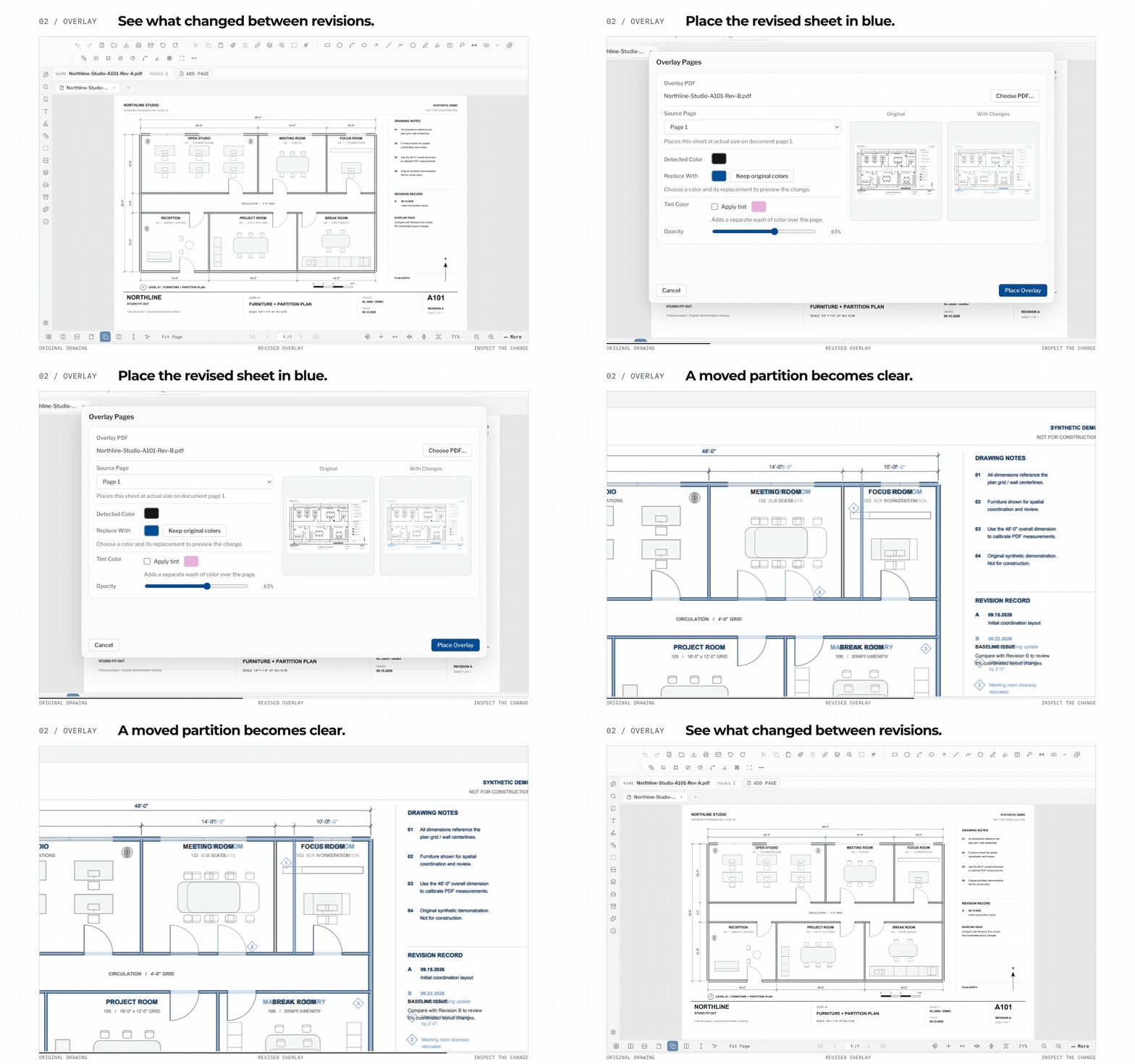
Counting, measuring and drawing review — the work you actually do all day — across three disciplines of one project. Captured from the shipping app, not mocked up.

Box one symbol and PolyPDF finds the rest — 17 matches on this sheet, each one reviewable before it joins the count. Committed counts land in the takeoff worksheet with a running per-subject tally, ready for CSV or PDF export.
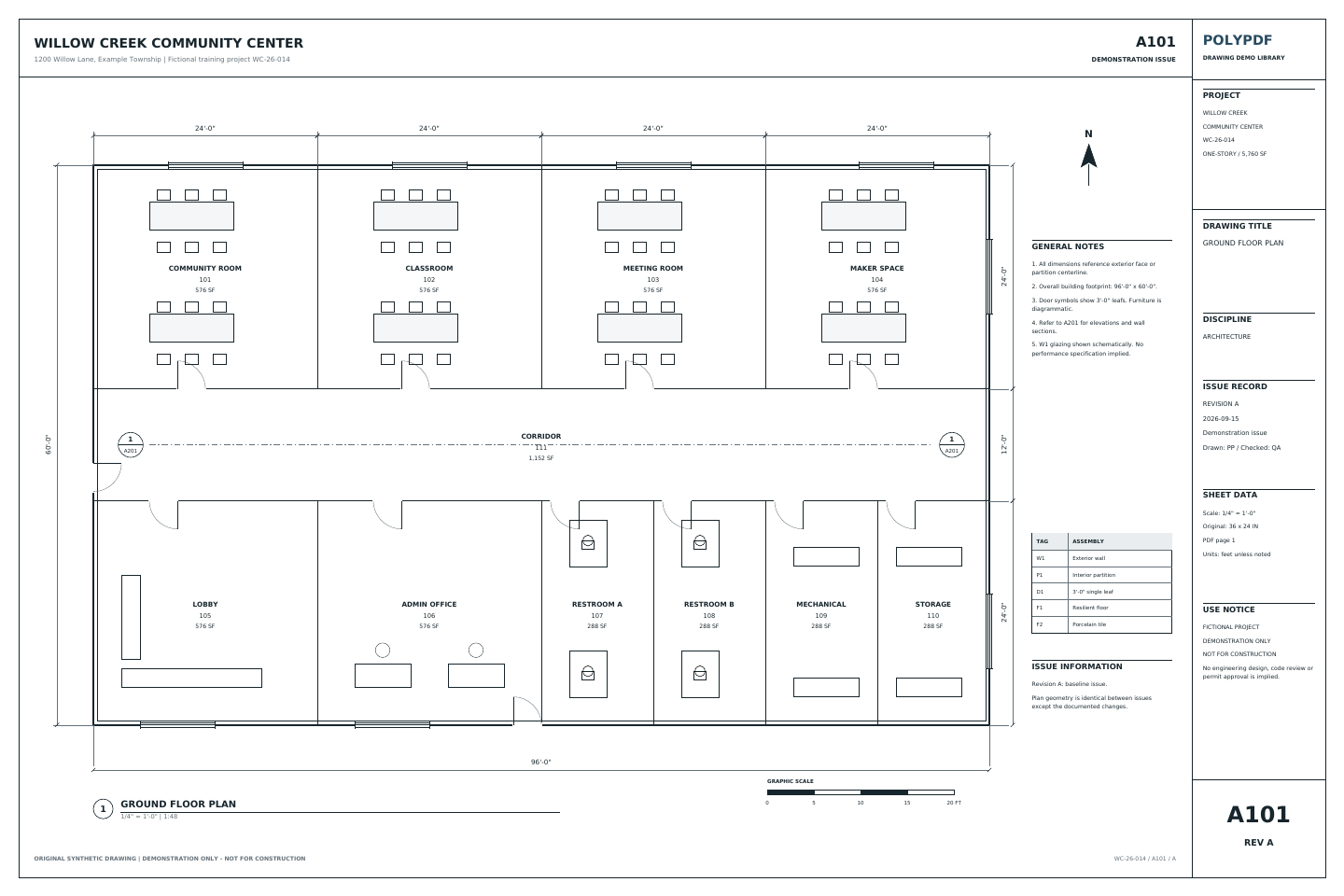
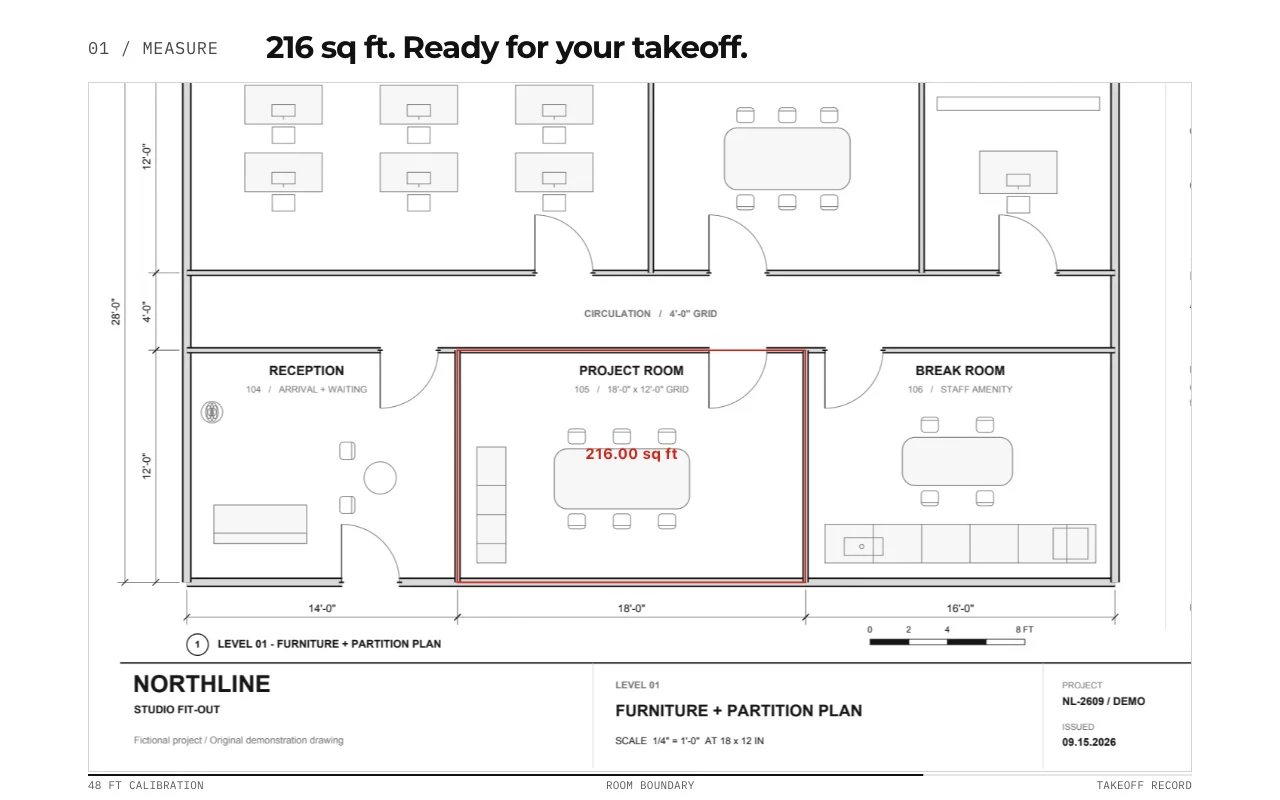
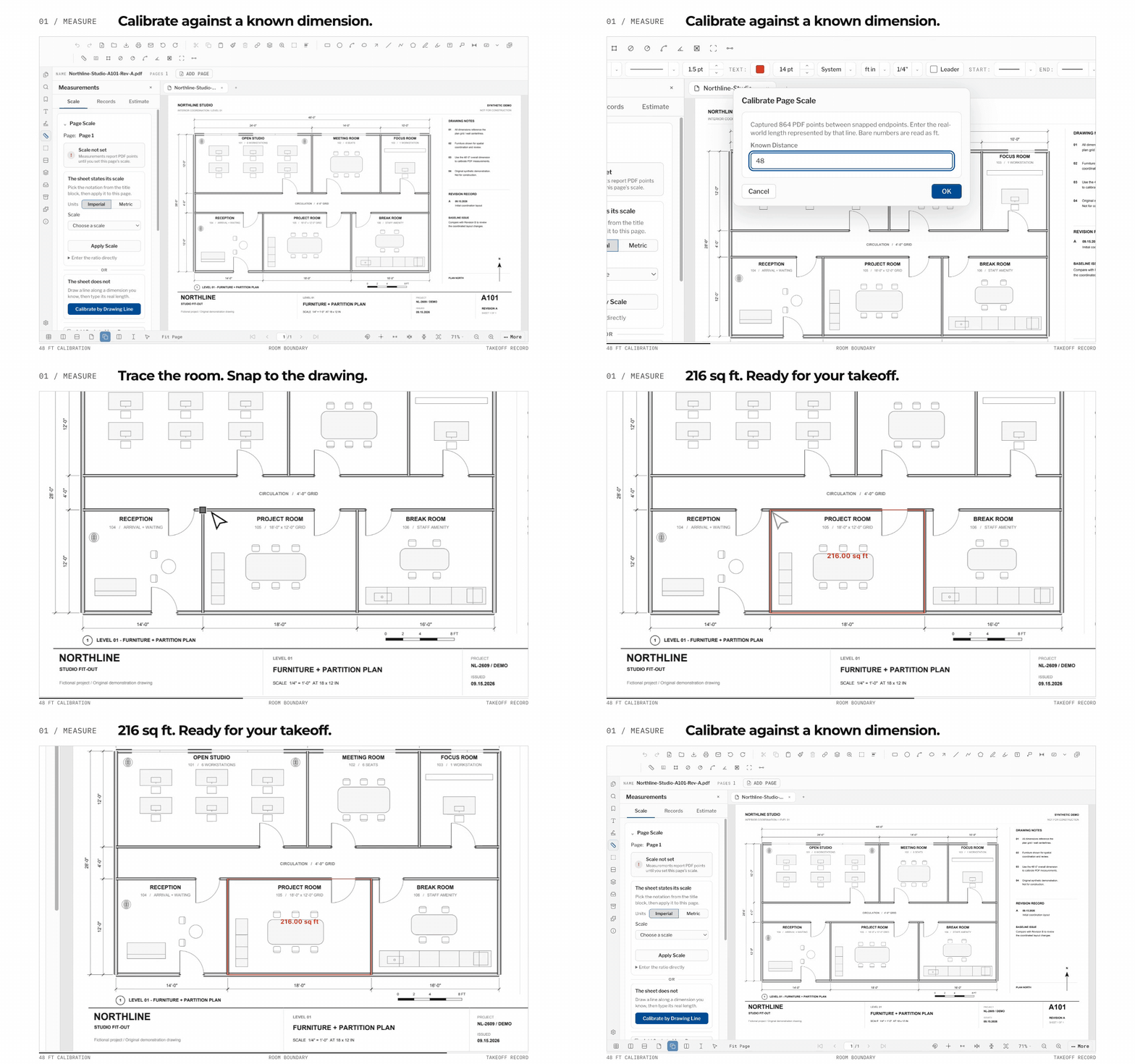
Calibrate once — from the title block or off any line you know — then pull areas, lengths and counts that read in feet and inches. This sheet: 5,485 sq ft gross, two wall dimensions, a 17-piece diffuser count, all totalled in the worksheet.

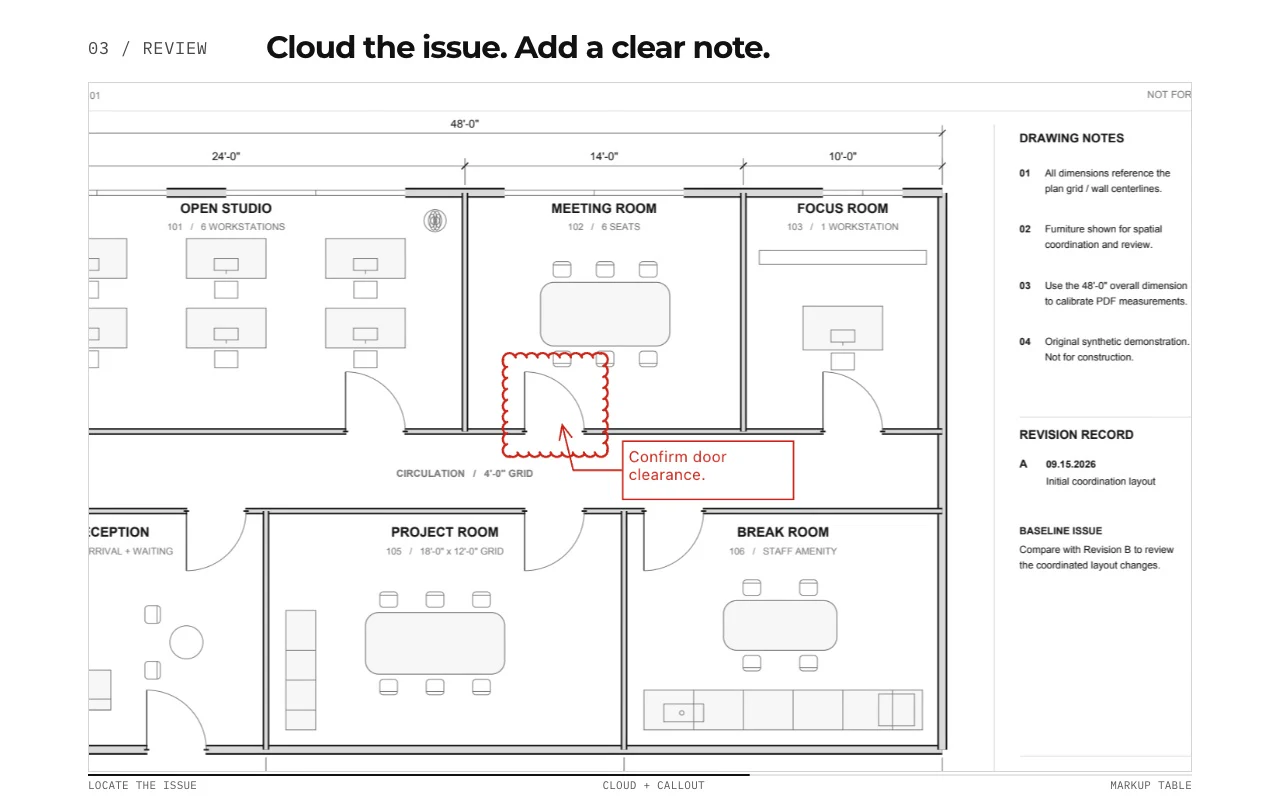
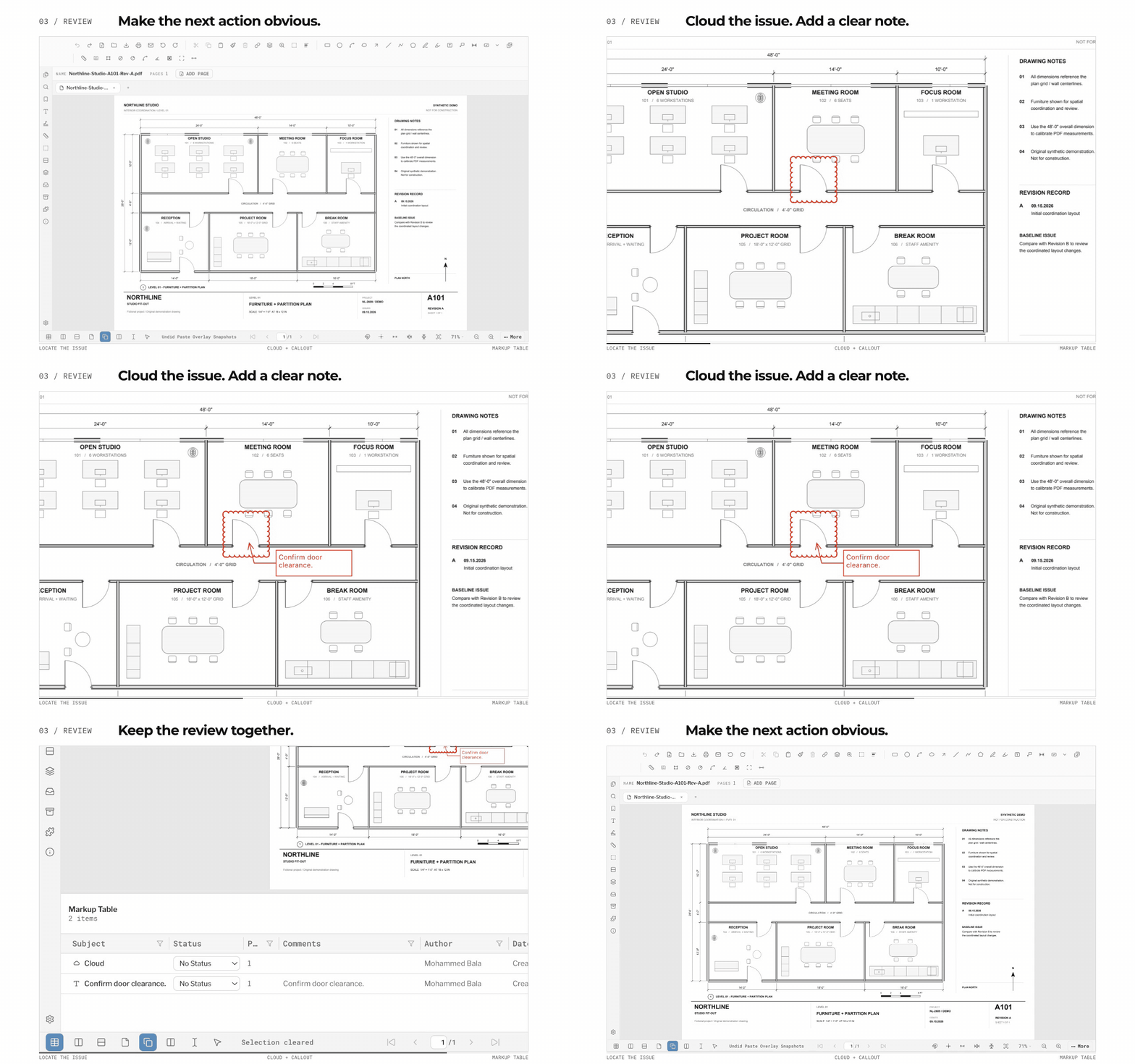
Cloud the change, attach the RFI, and every markup lands in the Markup Table with status, author and date — so nothing you flag gets lost between review rounds.

Set scale from the title block or calibrate off a known line; every measurement reads in real units and the active scale stays pinned in the status bar so you always know what an inch means.

Four MUTCD sign series ship built in — Regulatory, Warning, Temporary Traffic Control and School — as crisp vector stamps. Search the chest, drop an R1-1 straight onto the sheet, and it prints as true linework.

Type a location, pick the CAD Linework style, and the map arrives inked like a drafter drew it — paper-white ground, black linework, live zoom and styling before and after it lands.

AEC teams deserve tools built for the machine in front of them. PolyPDF runs the same engine as a real desktop app on macOS and Windows, focused on the everyday review, markup, calibration, and takeoff workflows construction PDFs demand.
The Mac DMG and the signed Windows installer ship the same engine at the same version — open drawings directly, no VM or browser-only workaround on either side.
Distance, area, perimeter, angle, count, and dimension tools are built around the PDFs architects, contractors, and estimators already exchange.
Try real documents for free, then unlock unlimited hand-created measurements with one direct license that covers up to 3 computers.
Markup, review, calibration and Visual Search auto-count stay free for as long as you want them. The only wall is the fourth hand-created measurement in a document. That is the moment Pro is for, and it costs $49.99 once.
$0
$49.99
Use PolyPDF 1.x forever on up to 3 Mac or Windows computers. Every PolyPDF 1.x update is included. Future major versions may be optional paid upgrades. Founder pricing is available until August 29, 2026 at 11:59 p.m. ET or after 100 fulfilled licenses, whichever comes first.
Secure Stripe checkout, license key emailed on payment. Generally non-refundable. Discretionary requests are reviewed within 14 days, and your statutory rights always apply.
Download free, test it on your own drawings, and pay once only if you want unlimited hand-created measurements.
Grab the Mac DMG or the signed Windows installer and open the full product, not a time-limited trial.
Calibrate scale and place up to 3 hand-created measurements in each document to confirm it fits your workflow.
If PolyPDF saves you time, buy the $49.99 Founder's License and keep using PolyPDF 1.x without a yearly fee.
Short answers to the buying questions that usually block a download.
You can download the app free on Mac or Windows, open your own PDFs, calibrate scale, use the markup tools, place up to 3 hand-created measurements in every open document, and use uncapped Visual Search auto-count. That gives you a real-world test before you buy.
Yes. A license activates PolyPDF on up to 3 computers in any mix — three Macs, three Windows PCs, or any combination.
The Founder's License removes the hand-created measurement limit. Use PolyPDF 1.x forever on up to 3 Mac or Windows computers. Every PolyPDF 1.x update is included. Future major versions may be optional paid upgrades.
No. The PolyPDF Pro Founder's License is $49.99 once. There is no annual renewal, recurring maintenance bill, or subscription timer.
Checkout is handled securely by Stripe. Your license key is delivered by email, and you paste it into the app once — on Mac or Windows — to unlock unlimited hand-created measurements.
Open PolyPDF and choose Upgrade to PolyPDF Pro — it is in the PolyPDF menu on Mac (Command-Shift-L) and the Help menu on Windows (Ctrl-Shift-L). Paste the key from your email, which looks like PPM-XXXX-XXXX-XXXX, and click Activate. There is no restart and no reinstall, and the drawing you have open keeps everything already on it.
Purchases are handled through Stripe and PolyPDF support. Refund requests are reviewed under the refund policy, which also covers your statutory rights.
Download the app on Mac or Windows, test it on your own drawings, and unlock unlimited hand-created measurements for $49.99 only when you want to remove the cap.
Free with no trial timer. Hand-created measurements are capped at 3 per document.